 Source Files
Help
Guides for Source Files on iPhone, iPad and Mac: signing in to GitHub, GitLab, BitBucket and Gitea, how saving turns into commits, working from the Files app and Finder, and automation.
Setup
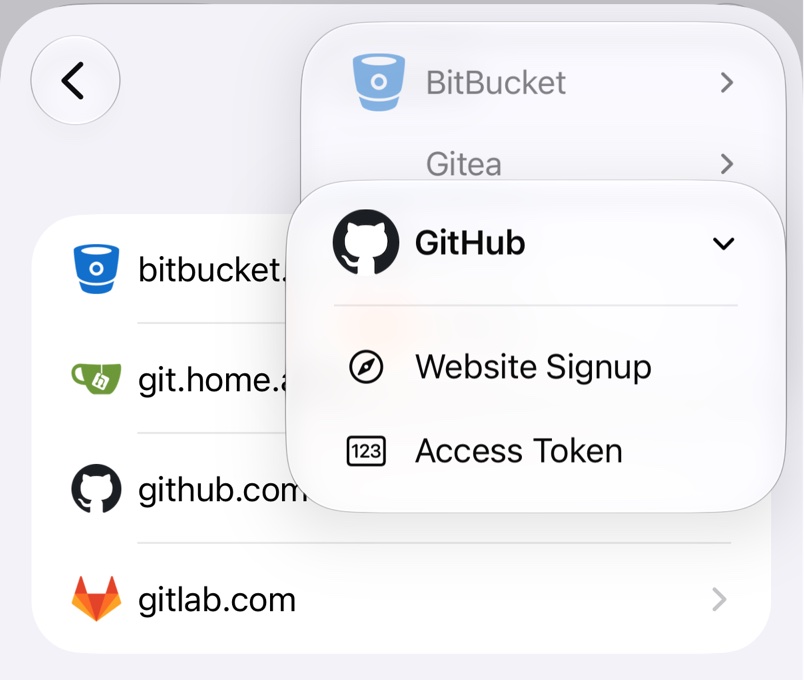
Signing In
Sign in to GitHub, GitLab, BitBucket or Gitea through the service's website or with an access token.
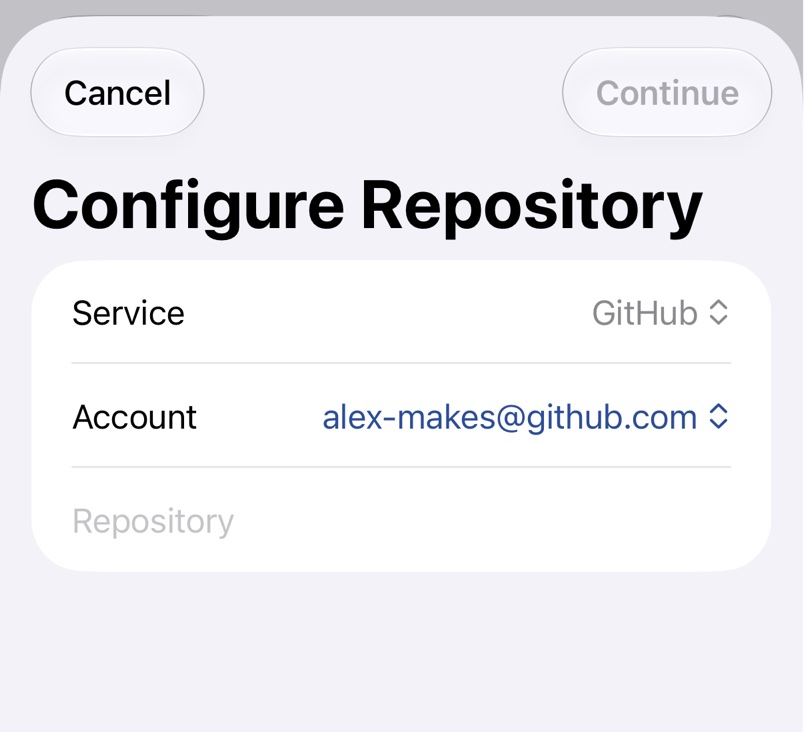
Adding a Repository
Add a repository by picking it from your account's list, typing its address or dropping a link.
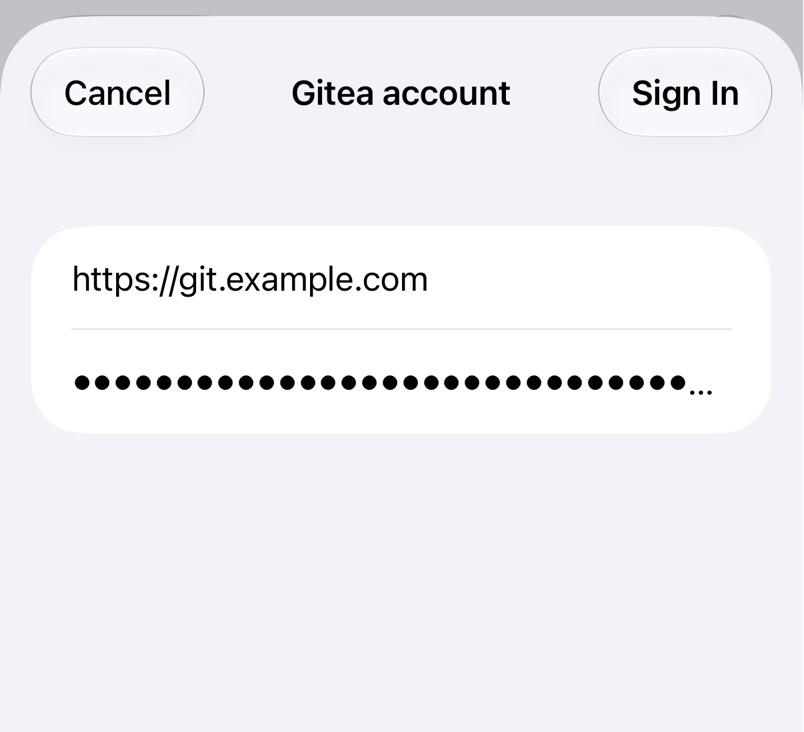
Self-Hosted Servers
Use GitHub Enterprise Server, self-managed GitLab, Gitea, Forgejo or Codeberg by signing in with a token and your server's address.
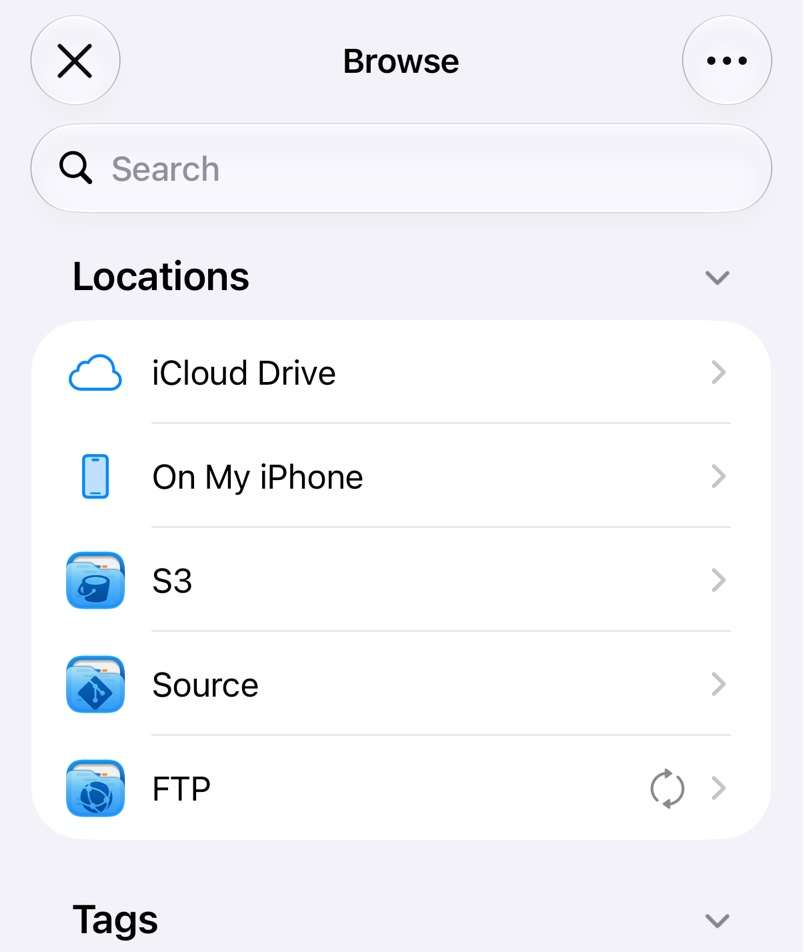
Files App and Finder
Open and edit repository files in the Files app and Finder without cloning, with every save committed for you.
Git
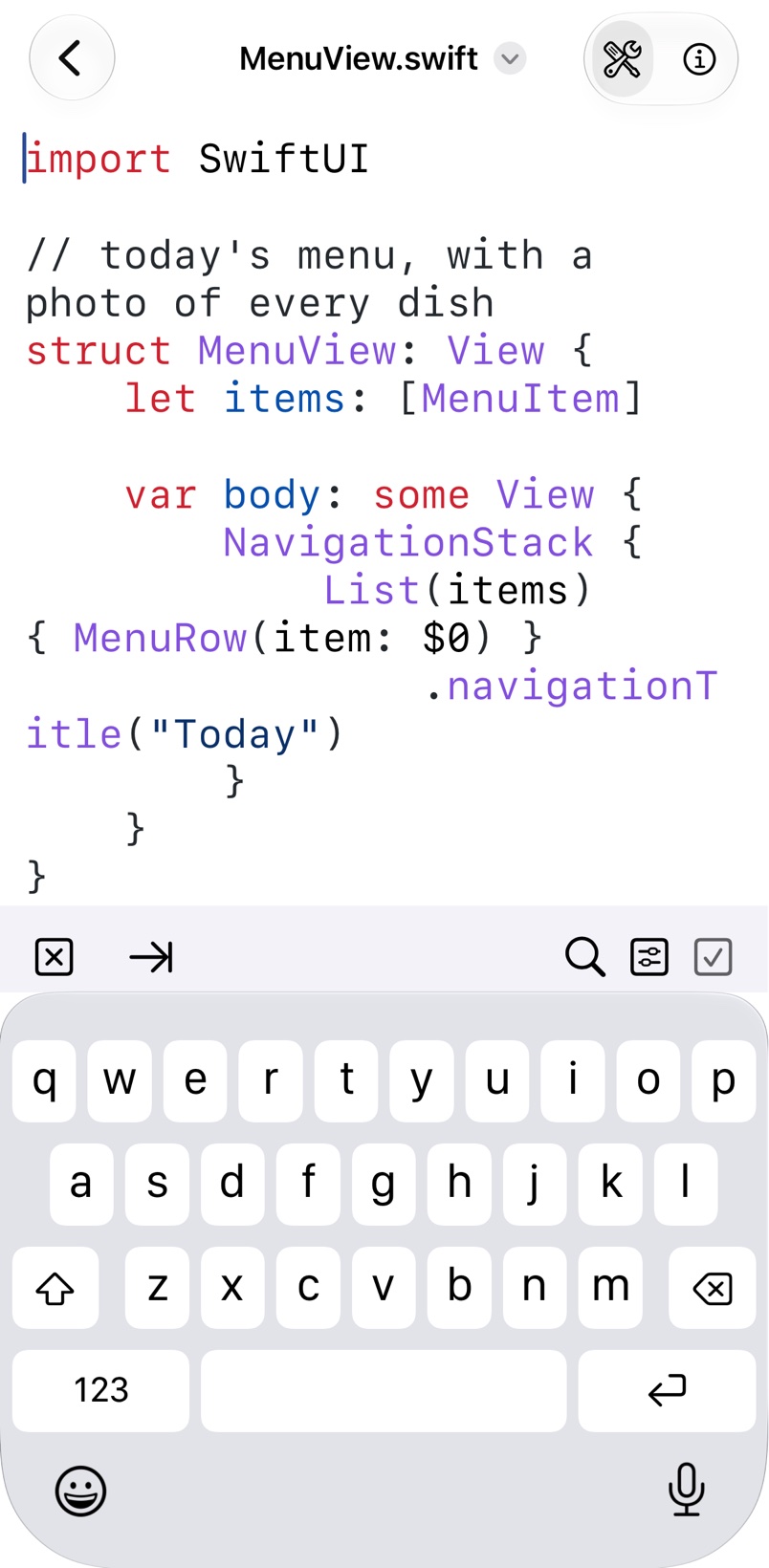
How Saving Works
See what each save, move and delete commits to your repository, and the limits for large files.
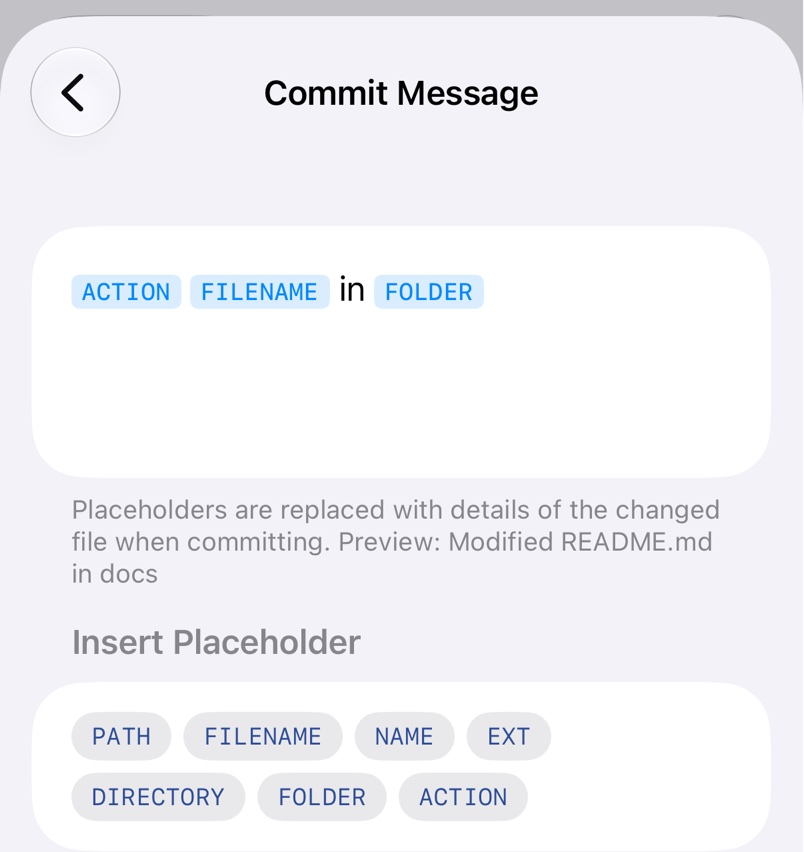
Commit Messages
Write the message for every commit, with placeholders for the file and change, and override it in Shortcuts.
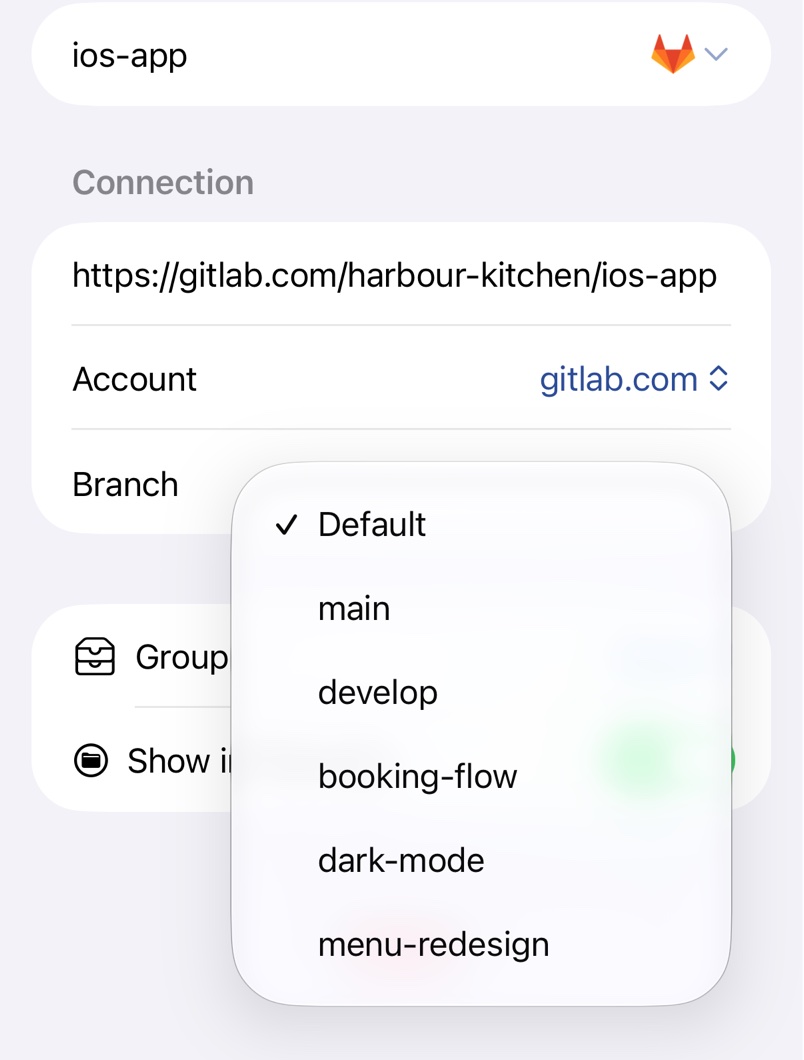
Branches
Point a repository at any branch, or keep several branches side by side with Duplicate Remote.
When to Use Working Copy
Decide when Source Files is enough and when you'll want Working Copy, a full Git client from the same developer.
Features
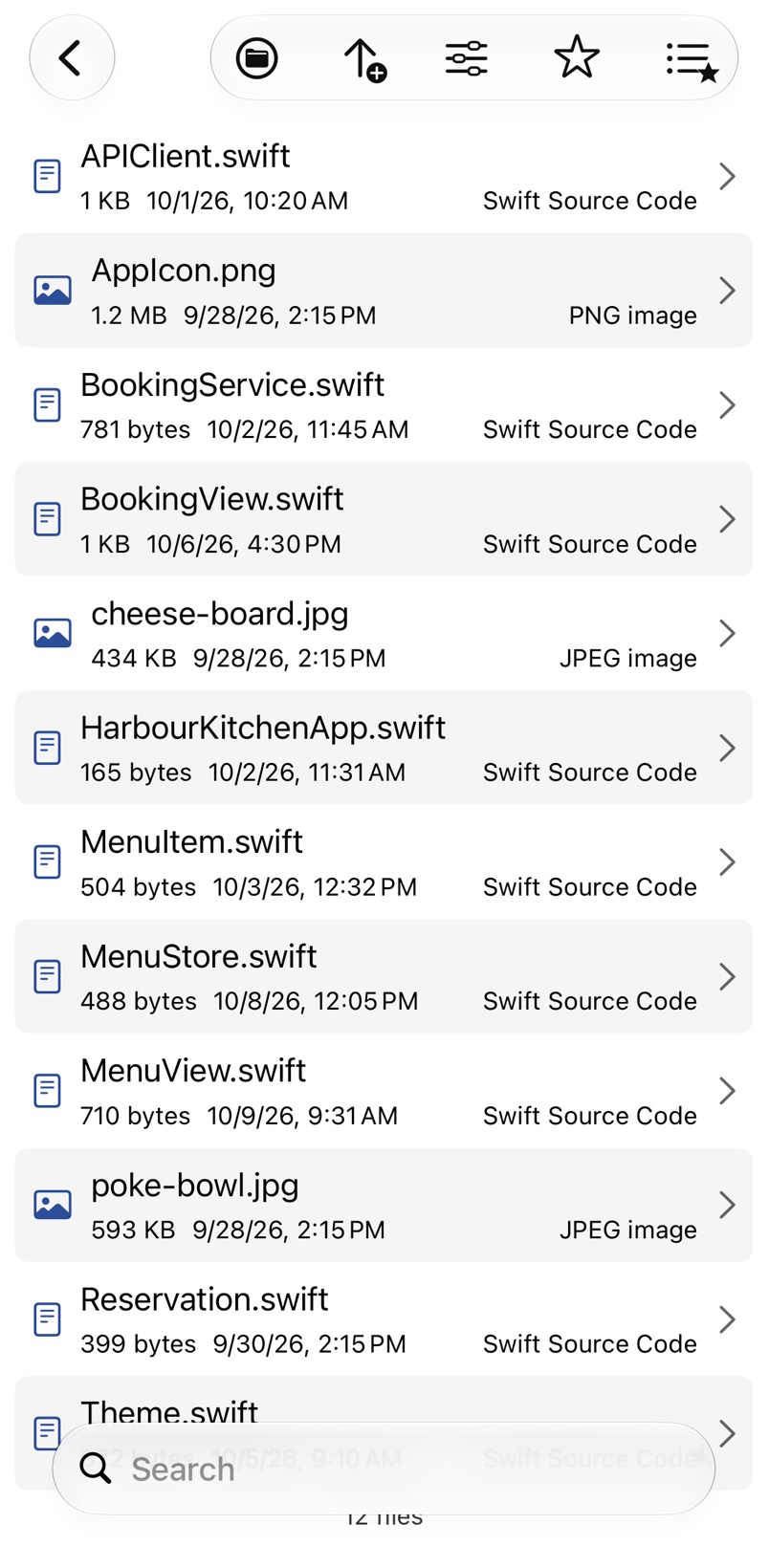
Browsing in the App
Browse your repositories in Source Files, search them and edit code with syntax highlighting, committing each save.
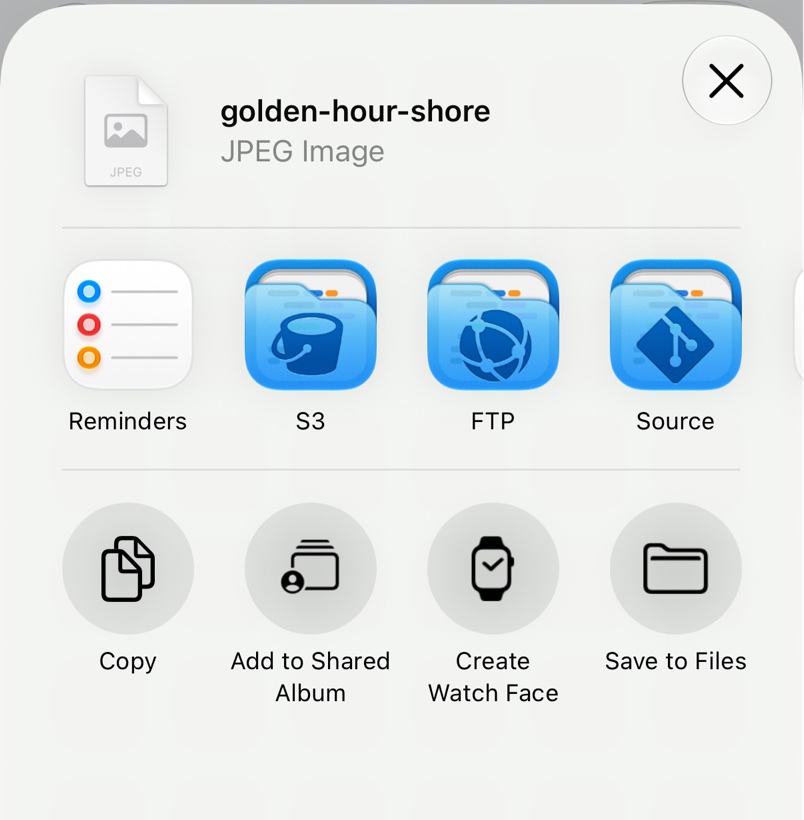
Quick Upload
Upload files and folders to your repositories from any app's share sheet, or from Finder on a Mac.
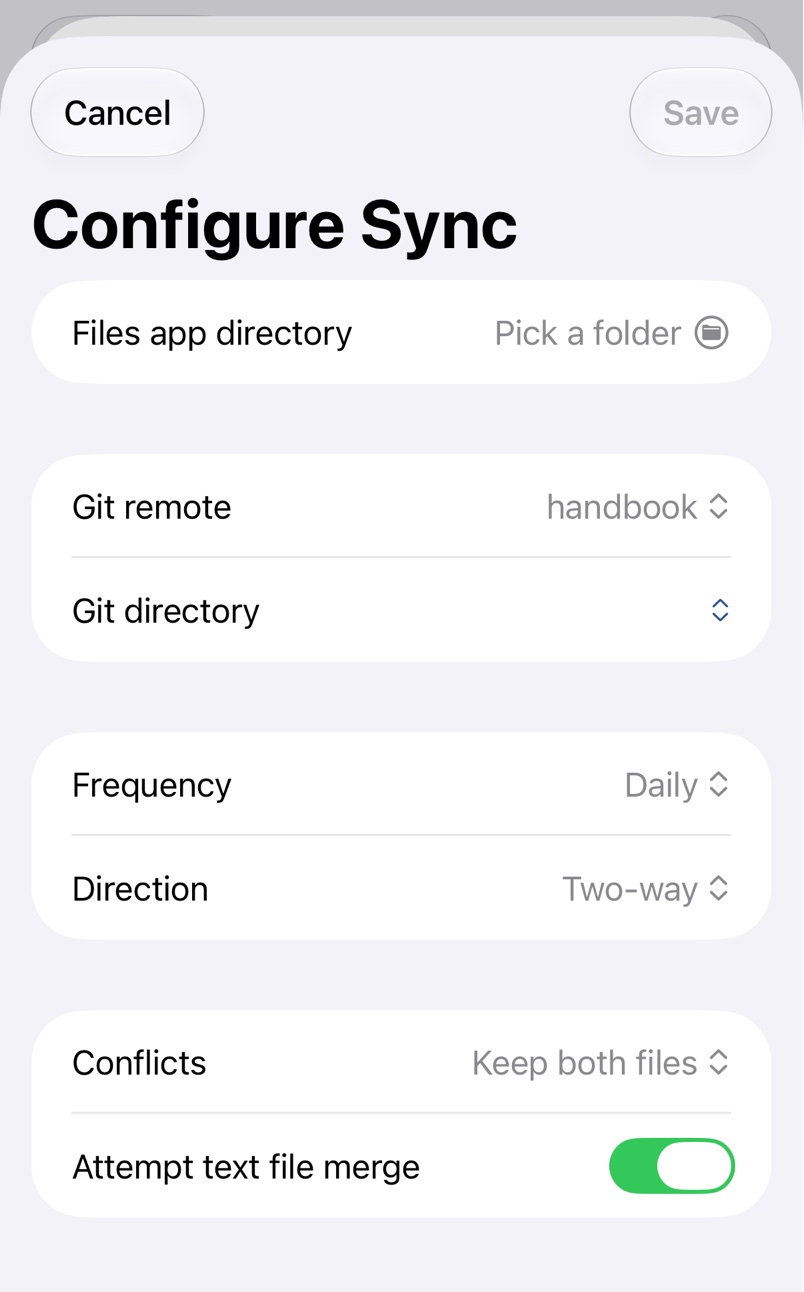
Folder Sync
Keep a folder on your device and one on a repository in sync, by hand or on a schedule.
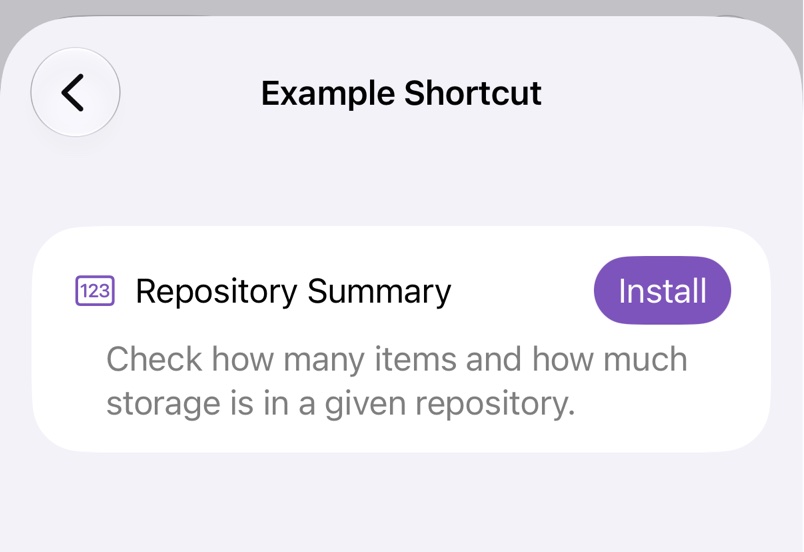
Shortcuts Automation
Automate Source Files with Shortcuts: list, download, upload with your own commit message, move and delete files, and sync folders.
Help
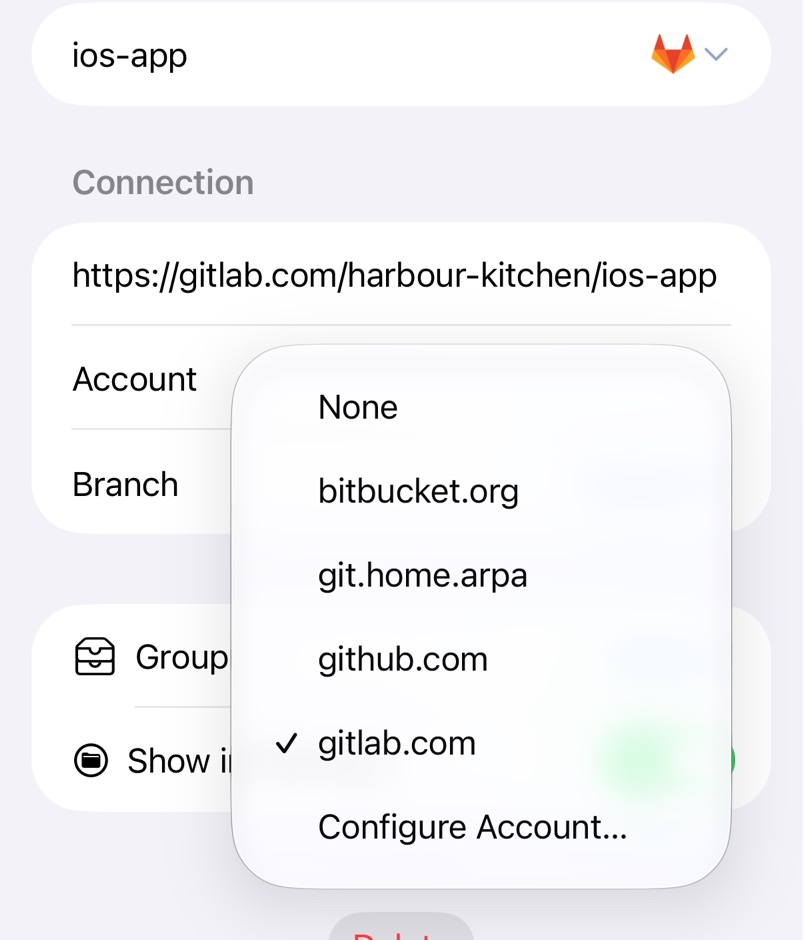
Repository Problems
Fix a repository that's not found, read-only, rate limited, refusing a save or blocked by a GitHub organisation.
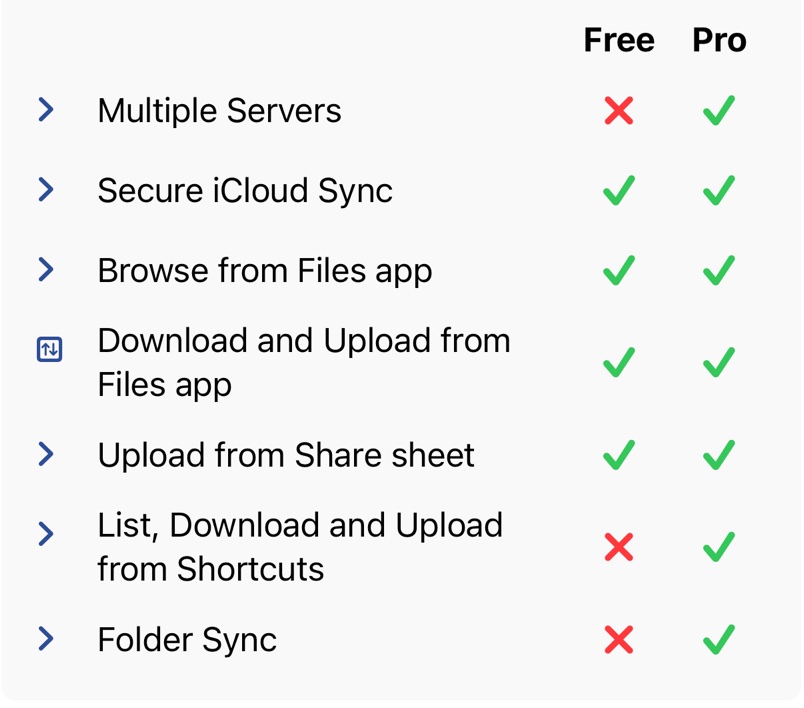
Free and Pro
What Source Files does for free, what Pro adds, and how to try, subscribe to or buy it.
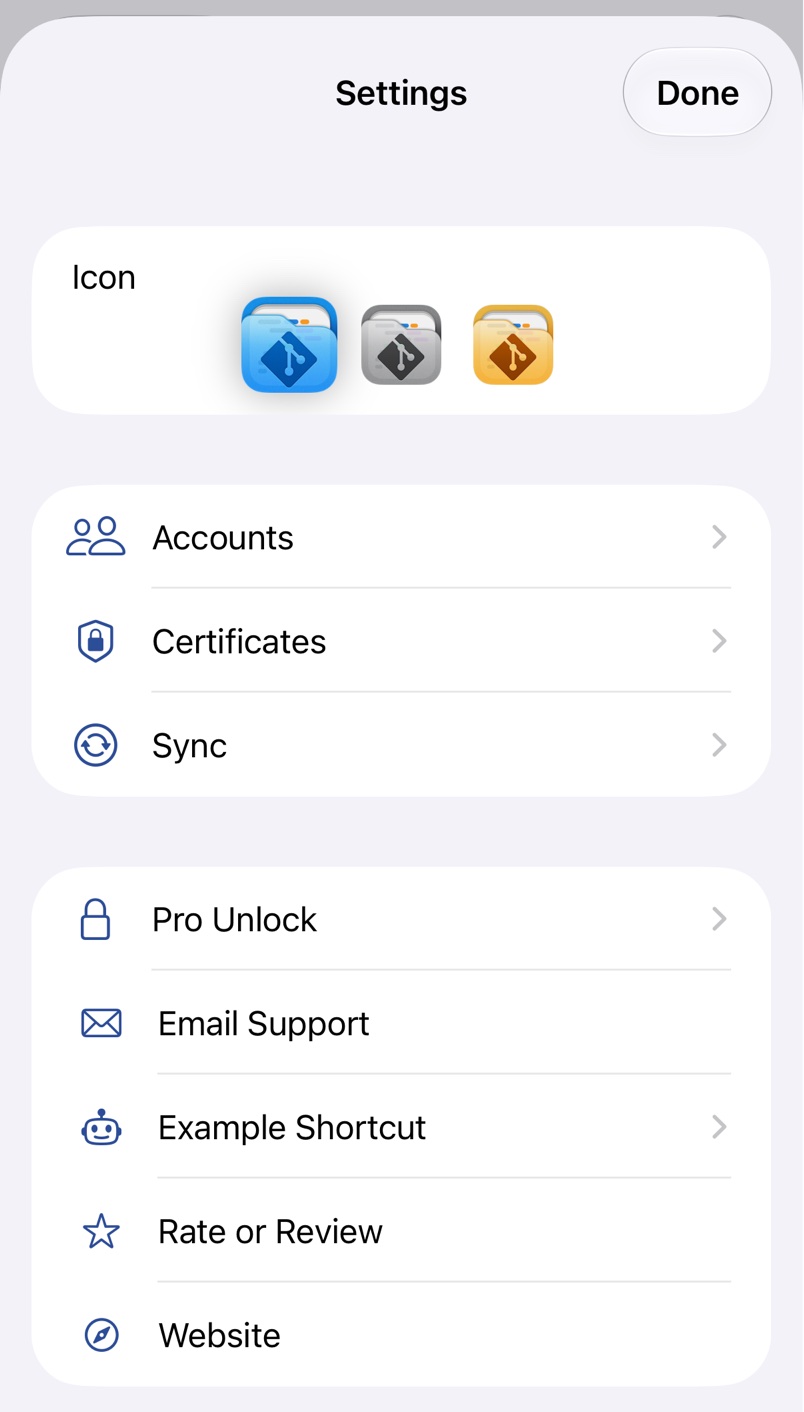
Further Help
Email the developer about Source Files, with the details and logs that help solve a problem quickly.
Remove from Finder
Remove the Source location that deleting Source Files can leave in the Finder sidebar, without reinstalling.