 Source Files
Branches
Each repository in Source Files works on one branch, the default branch unless you pick another. You browse that branch, and every save is committed to it.
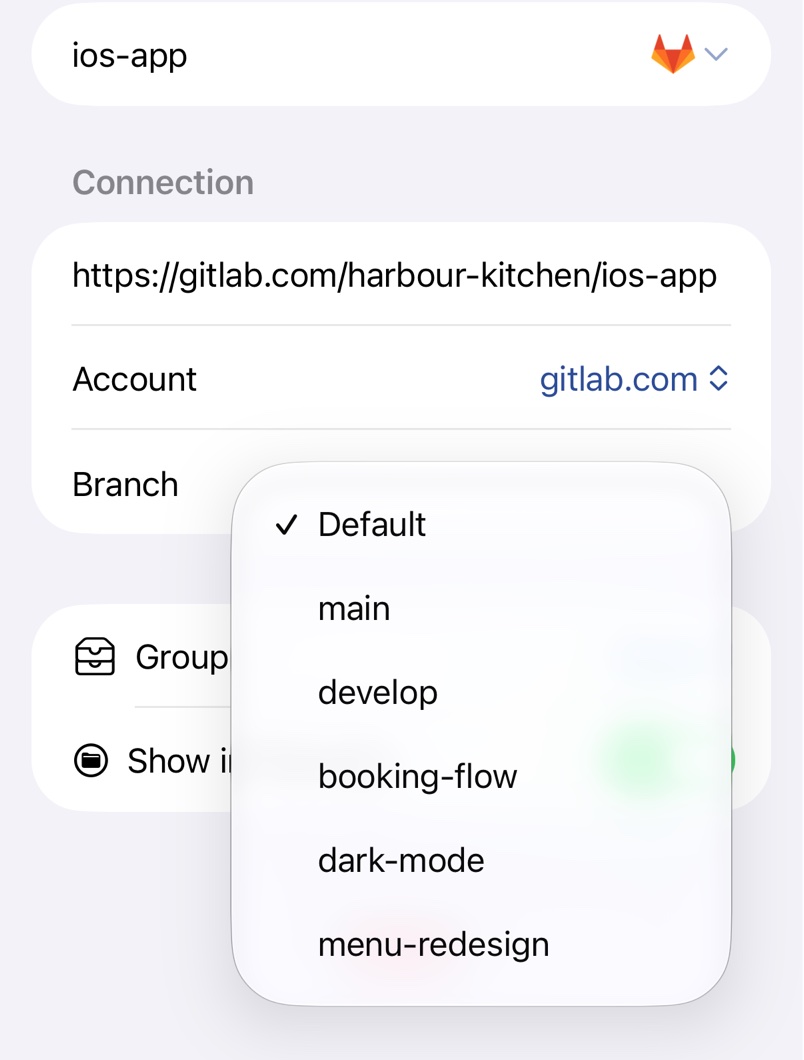
Pick a branch
Open the repository's settings with Change Remote in its context menu, or select it in the list on a Mac, and pick from Branch. On a Mac, click Save. The repository is then named like dev@website, unless you've named it yourself.
Several branches at once
Choose Duplicate Remote in the repository's context menu and pick another branch in the copy. Each copy is its own folder in the Files app and Finder.
What Source Files doesn't do
Source Files can't create or delete branches, browse tags or older commits, or open pull requests or forks. Create branches on the service's website or in Working Copy.
Troubleshooting
- There's no Branch row. Pick an account under Account first.
- The branch menu shows an error. Check that the account under Account can read the repository.
- A save is refused on a protected branch. See Repository Problems.