 Source Files
Fixing Repository Problems
Most repository problems come down to the account: whether the repository has one, and what that account may do on the service.
Repository not found
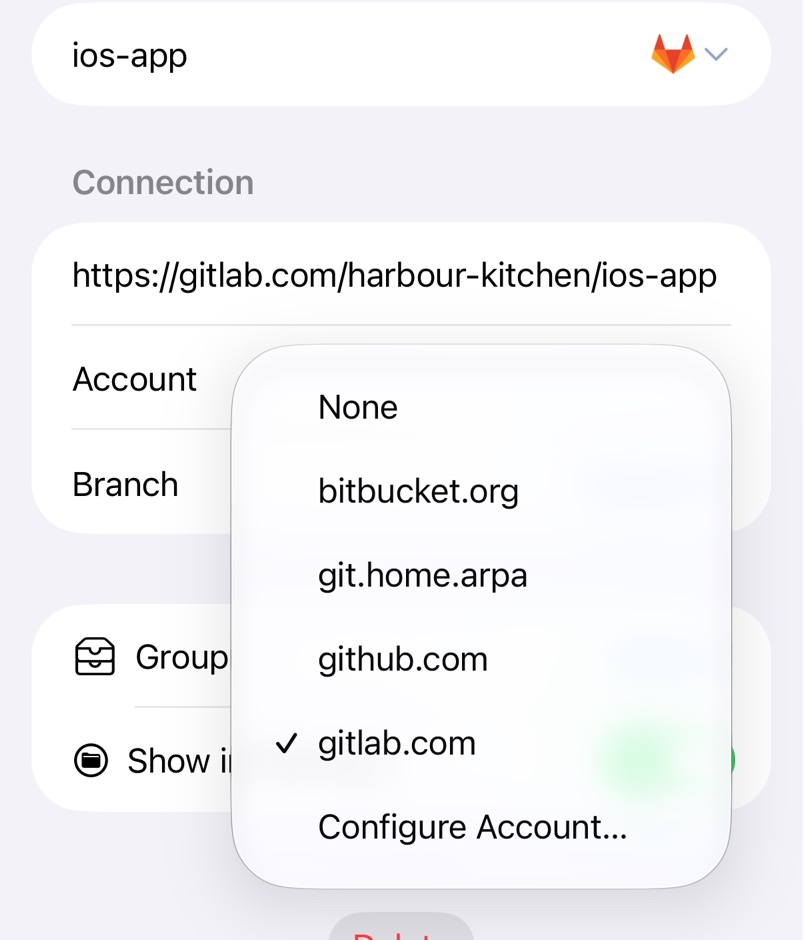
Services answer the same for a private repository you can't see as for a missing one, so without an account Source Files says Repository not found. A private repository needs a GitHub account, configured under Account in the repository settings., naming the service. Pick or add one under Account in the repository's settings. In the Files app, the same problem brings up Account Required: pick an account and tap Use Account, or tap New Account… to sign in.
GitHub organisations
Organisations can block OAuth apps, and new ones do by default. If an organisation's repositories are missing after a website sign-in, request approval: on github.com, go to Settings → Applications → Authorized OAuth Apps, open Source Files and click Request access next to the organisation. An owner grants it under the organisation's Settings → Third-party Access → OAuth app policy.
With SAML single sign-on, also click Configure SSO and Authorize next to your classic token under Developer settings → Personal access tokens.
Read-only files
A repository is read-only without an account, or when the account can't push to it: GitHub, BitBucket and Gitea need write access, GitLab the Developer role or higher. Source Files checks this when it first lists the repository and remembers the answer, so after being given write access, remove the repository and add it again.
Saving fails
- A save is refused on a protected branch. Pick a branch you can push to, as in Branches, and merge on the service's website.
- GitHub API doesn't support uploads larger than 100 Mbytes. Leave files of 100 MB or more to a Git client with Git LFS support.
- Saving in
.github/workflowsfails on GitHub. Those files need theworkflowscope, which the website sign-in lacks; use a classic token withrepoandworkflow.
Other messages
- Rate limit reached. Configure GitLab account to increase quota. Services allow few requests without an account, so add one under Account. Other services word this their own way.
- Unknown service for '…' means the repository has no account and its host name doesn't contain github, gitlab, bitbucket or gitea. Pick an account under Account; see Self-Hosted Servers.